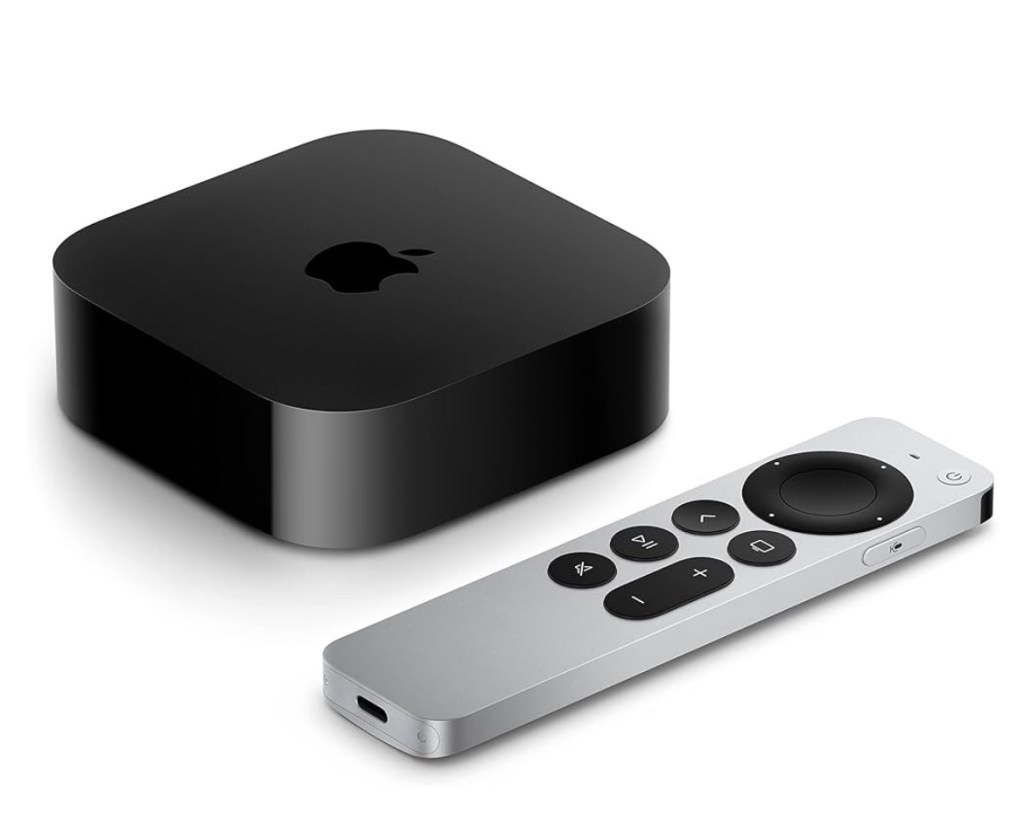
For the bedroom TV, installation of an Apple TV device (#ad) is straight-forward, involving only plugging in power (between TV and wall outlet and the HDMI cable (between TV and the device).
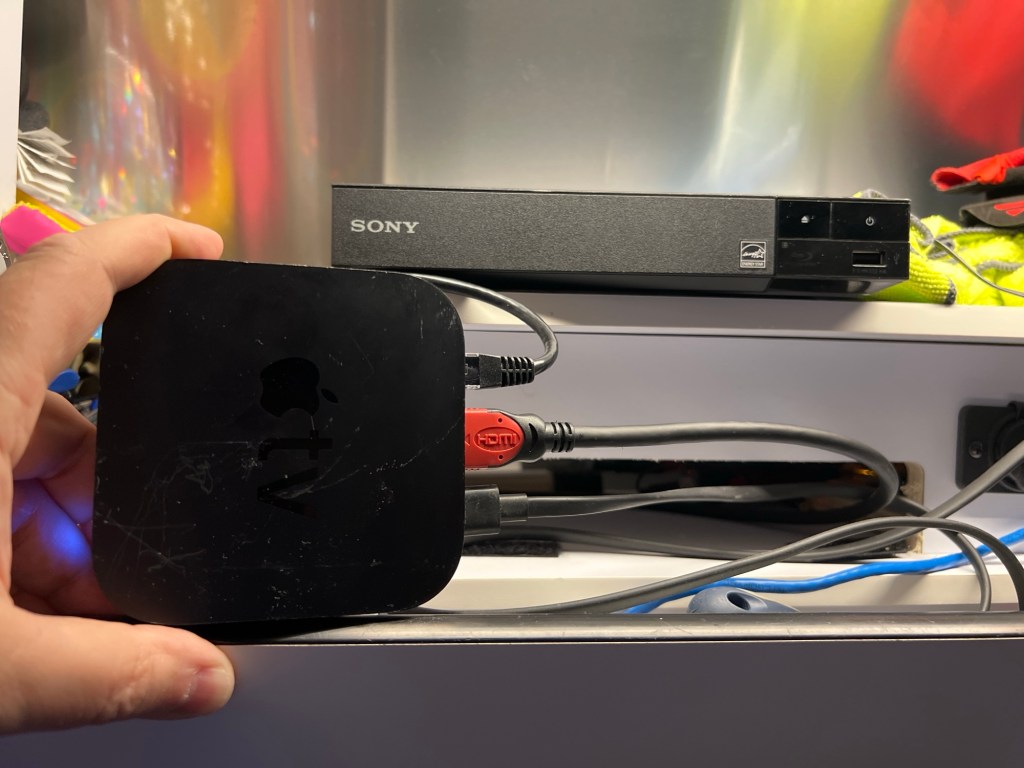
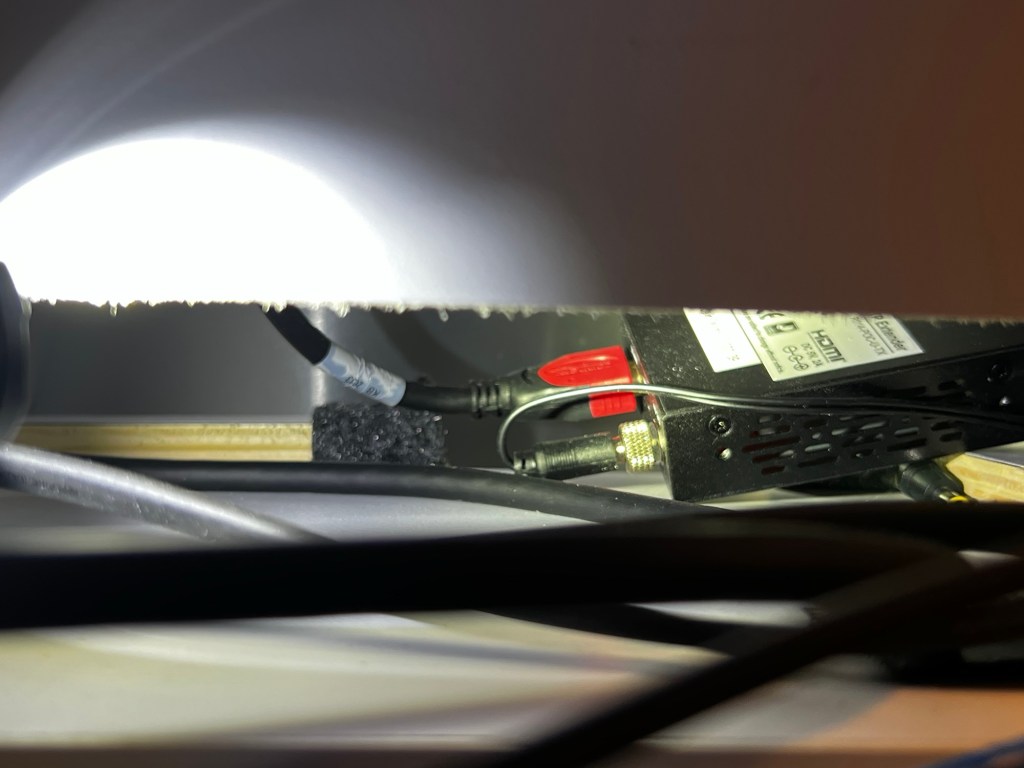
For the dining area TV, I removed the DVD player (held in with Velcro), and used its HDMI cable to plug into the Apple TV device (#ad). This HDMI cable is powered, so be sure you see a glowing red light behind the opening where the DVD player was/is (if you choose to keep it for any future owners). Just follow the HDMI cable until you see the powered connection (see connections below). Installing the Apple TV device (#ad) here keeps the area behind the TV less cluttered, and it can send the same signal to both TVs if you don’t want to install a separate Apple TV in the bedroom (for simultaneously watching two different shows/movies).
 Nomad Nexus